
How much RAM is enough in 2026? The ultimate guide
Home > Tech Guides > How much RAM is enough in 2026?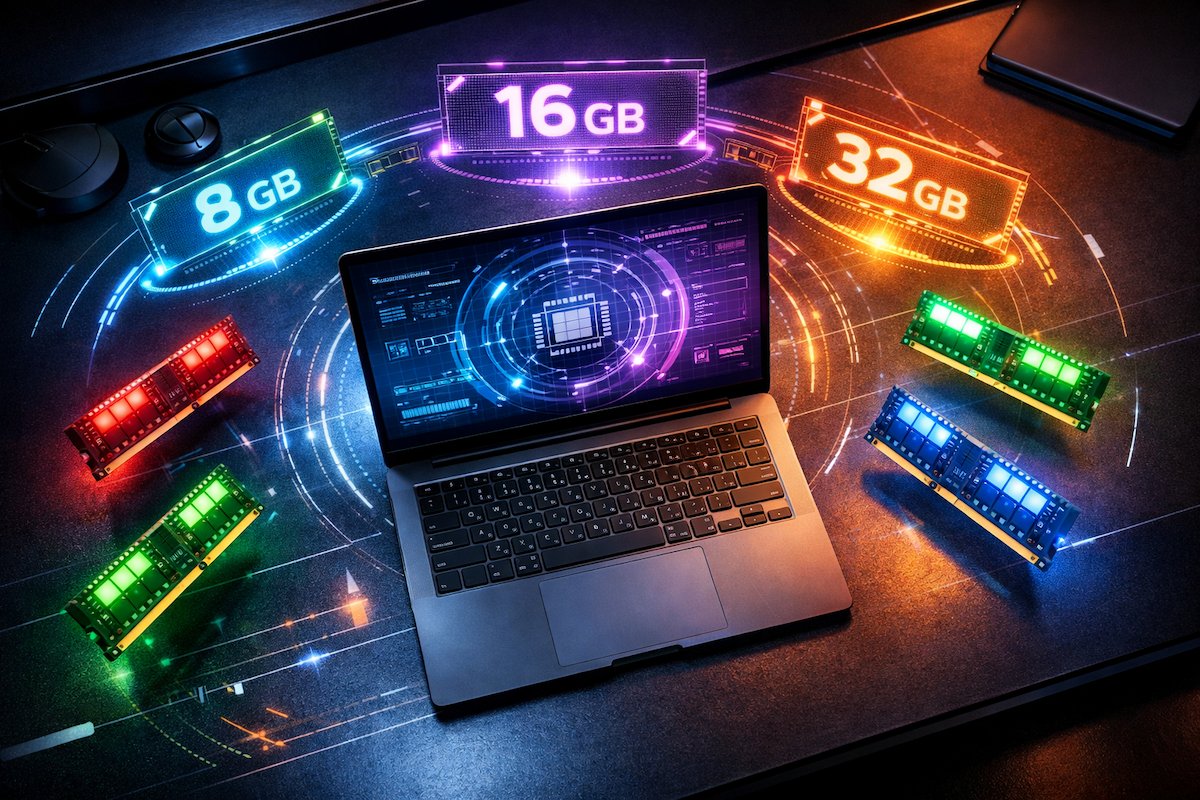 In 2026, choosing the right laptop or desktop can feel like navigating a tech jungle😇. Everyone focuses on processors, storage and graphics, but RAM — Random access memory — is the unsung hero of smooth computing. It decides whether your computer feels like a Ferrari or a bicycle.
If you are wondering how much RAM you actually need in 2026, this guide covers everything — from casual browsing to professional 4K editing, DDR4 vs DDR5, upgrade tips, myths and future-proofing. By the end, you will know exactly what RAM size is perfect for your needs. Lets start🙏
What is RAM and why it matters
RAM is your computer’s short term memory, temporarily storing data that your system uses actively. It allows the processor to access information quickly, keeping your workflow very smooth.
-
Analogy: Think of your processor as a chef and RAM as the countertop. A tiny countertop (4–8 GB RAM) means the chef keeps running to the fridge — slow and chaotic. A huge countertop (16–32 GB RAM) lets them prep multiple dishes at once — pancakes, omelets and soufflés — all without breaking a sweat. 🍳
Without enough RAM, your PC will slow down, even with a top-notch processor. Imagine running a marathon race while juggling laptops and cups of coffee — thats your system without sufficient RAM.

RAM requirements by use case in 2026
The amount of RAM you need depends entirely on how you use your computer. Lets break it down.
1. Basic users – Browsing, Office, Video Calls etc.
-
Recommended: 8 GB✅
-
Perfect for multiple browser tabs, Office apps, Zoom or Google Meet.
-
Example: Binge-watch cooking videos while emailing your boss — no lag, no drama.
Best Laptop for Students in India (2026)

Why 8 GB is enough:
-
Modern browsers use memory efficiently.
-
Office apps rarely need more than 8 GB.
-
Video calls (Zoom, Google Meet) and streaming are smooth without overloading RAM.
Bonus Tip: If you open 30+ browser tabs, even 8 GB can feel tight — a lightweight browser like Edge or Brave can help.
2. Intermediate Users – Light Gaming, Photo Editing, Multitasking
-
Recommended: 16 GB✅
-
Handles modern games, Photoshop, light video editing and multiple apps open simultaneously.
-
Funny analogy: 16 GB is like giving your chef a double countertop — pancakes and omelets at the same time, no flour spills. 🥞🍳
Laptop Under ₹50,000 in India (2026)

Why 16 GB is Ideal:
-
Modern games require at least 12–16 GB for smooth performance.
-
Photo editing software (Photoshop, Lightroom) uses RAM for caching and filters.
-
Multi-tab multitasking is seamless.
Tip: If you work with heavy browser-based apps, multiple Chrome windows or light video editing, 16 GB is your sweet spot for 2026.
3. Power Users – Heavy Gaming, Video Editing, AI Tools, 3D Rendering
-
Recommended: 32 GB or more
-
Handles 4K video editing, advanced AI tools, huge Excel sheets or multiple professional software at once.
-
Tip: If your system lags when opening a million Chrome tabs, your RAM is screaming for help. 😅
Laptop Buying Traps in India 2026

Why 32 GB+ is Necessary:
-
4K video editing software caches massive files in RAM.
-
Advanced AI tools (like image generation, chatbots) can eat RAM quickly.
-
Heavy multitasking or virtualization requires a lot of memory.
✅ Pro Tip: For future-proofing, choose at least 16 GB RAM with upgradeable slots.
DDR5 vs DDR4 RAM in 2026
-
DDR4: Budget-friendly, still works for casual users.
-
DDR5: Faster speeds, higher efficiency, ideal for gaming, content creation and AI.
Laptop Buying Traps in India 2026

DDR5 Advantages:
-
Faster bandwidth = faster processing.
-
More efficient = lower power usage.
-
Better future-proofing for new software and games.
DDR4 Advantages:
-
Cheaper and widely available.
-
Still sufficient for most casual and mid-level users.
DDR5 is like upgrading your chefs countertop to stainless steel — smoother, faster and less messy!
Should You Upgrade RAM or Buy a New Laptop?
-
Upgrade: Cheap, easy, improves performance.
-
Replace: If your laptop has 8 GB and heavy tasks need 32 GB, a new machine may be better long-term.
7 Laptop Buying Mistakes Indians Still Make in 2026
Upgrade Tips:
-
Check max RAM supported by your laptop.
-
Match RAM speed and type for best performance.
-
If budget allows, go slightly above your current needs for future-proofing.
Common RAM Myths Busted
-
More RAM always = faster PC ❌ Only true if your system actually needs it.
-
32 GB just for browsing ❌ 8–16 GB is enough for casual use.
-
Laptop RAM can not be upgraded ⚠️ Many laptops allow upgrades.
Quick Recommendation
| User Type | Recommended RAM (2026) |
|---|---|
| Basic (web, office, video calls) | 8 GB |
| Intermediate (light gaming, editing) | 16 GB |
| Power (4K editing, heavy gaming, AI tools) | 32 GB+ |
RAM Troubleshooting & Tips
-
Symptoms of low RAM: Lagging, freezing, apps crashing.
-
Quick fixes: Close unnecessary apps, use lightweight browsers, upgrade RAM if possible.
-
Pro tip: Monitor RAM usage using Task Manager (Windows) or Activity Monitor (Mac).
FAQ Section
Q1: Can I use 16 GB RAM for gaming in 2026?
A: Yes! Most modern games run smoothly with 16 GB. Only AAA titles or heavy multitasking may need 32 GB.
Q2: Is DDR5 RAM worth it in 2026?
A: Absolutely. DDR5 is faster and more efficient, ideal for gaming, content creation and AI workloads.
Q3: Can I upgrade my laptop RAM later?
A: Many laptops allow upgrades. Always check your specs before buying.
Q4: How do I know if I need more RAM?
A: If your system freezes, slows down or struggles with multiple apps, you need more RAM.
Q5: Is 8 GB RAM enough for students in 2026?
A: Yes! For online classes, Office and browsing, 8 GB RAM is sufficient.
Q6: Will more RAM improve battery life?
A: Not directly. More RAM can reduce app swapping, slightly improving efficiency but it mainly affects speed.