
 |
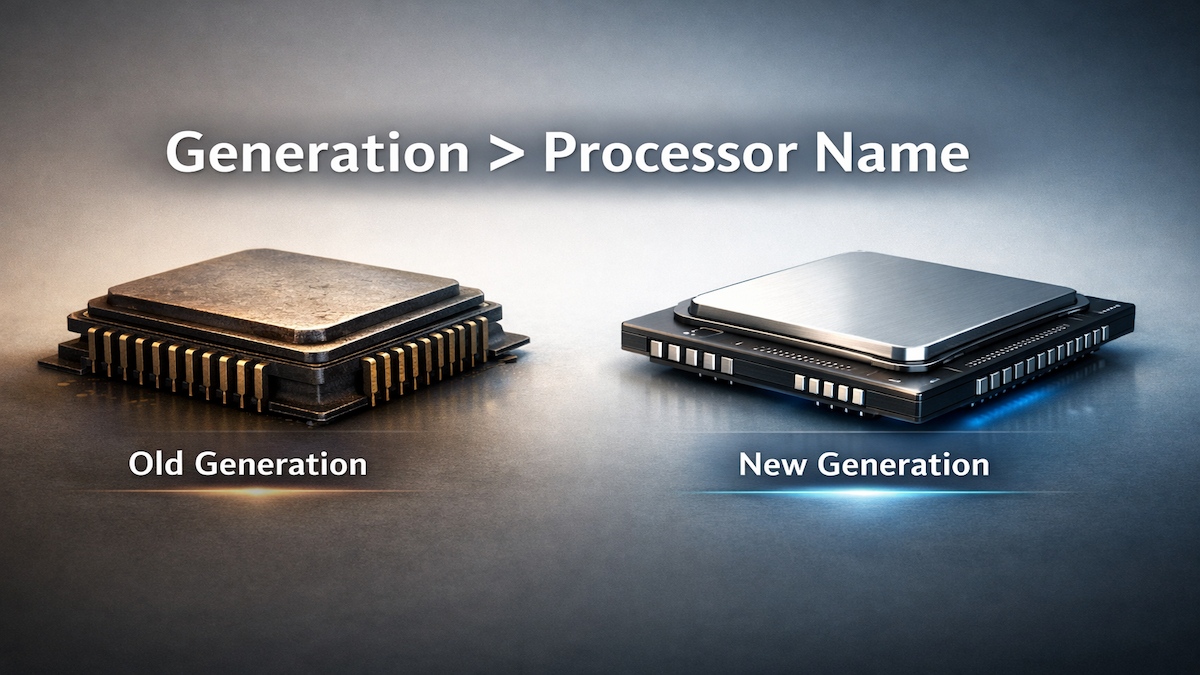
| Why CPU generation matters more than the processor name |
Why CPU Generation matters more than the Processor name (most people still get this wrong)
Lets be honest for a second. Most people buy a processor like this 👇
and just like that, the decision is made.
But here is the part nobody explains clearly-
CPU generation matters more than the processor name itself.✔
Processor names sound powerful but they are mostly labels
 |
| Newer mid-range processors often outperform older high-end ones |
But in reality, they are positioning labels, not power ratings.
Comparing an old i7 with a new i5 is like comparing-
-
A 2012 flagship phoneVs
-
A 2025 mid-range phone
What CPU “Generation” really means (No geek talk)
 |
| cpu generation explained with performance improvements |
Each new generation usually brings-
-
Faster real world performance.
-
Better battery efficiency.
-
Smarter multitasking.
-
Less heat & fan noise.
-
Better support for modern software.
That’s why newer mid range processors often feel faster than older “high end” ones.
The Truth nobody likes to admit
Why?
Because modern processors do more work per second, not just look good on spec sheets.
A Real-Life Example-
 |
| Modern technology finishes the same job faster with less effort |
Imagine two delivery guys-
-
One rides a 10 year old heavy bike
-
The other uses a modern electric scooter
That’s exactly how generation beats name.
Why Older “High-end” processors age badly
Over time, a few silent things happen-
🔹 Software moves on
Browsers, apps and operating systems are optimized for newer CPUs.✔
🔹 Heat becomes an issue
Older processors consume more power for the same task.
🔹 Battery life takes a Hit
So even if an old processor still works, it doesn’t work comfortably.
The most common buying mistake (still happening in 2026)
 |
| Most buyers focus on processor names and ignore generation |
“I found a cheap i7 laptop. That’s better than i5, right ?”
That’s the wrong question.
In most cases, a newer-generation i5 will feel-
-
Faster ☑
-
Cooler ☑
-
Quieter ☑
-
More future-proof ☑
Processor name without generation = incomplete information.
CPU is important, but it’s not alone
Many people also ignore how RAM and storage affect performance.
It clears up another big tech myth buyers fall for.
This Rule applies to every Brand (No favorites here)
Generation always tells the truth.
The one line rule that saves your money
Read this slowly-
Never compare processors by name without checking the generation first.
 |
| Generation should always be the first thing you check |
FAQ : People actually Ask this-
⭐ Does CPU generation really matter for normal users ?
Yes, Even for browsing, YouTube and office work, newer generations feel smoother and more responsive.
⭐ Is an older i7 still worth buying ?
Only if it is very cheap, Otherwise, newer mid-range processors offer better value and longevity.
⭐ How old is “too old” for a processor ?
Anything more than 3 generations old starts to feel outdated fast.
⭐ What should I check first when buying a laptop?
-
Processor generation.
-
Architecture.
-
RAM and storage.
-
Then the processor name.
Final Thought
Now you know the difference and that alone puts you ahead of most buyers.